CS2 Performance Notes: Separate Rendering Trouble From Network Trouble
An uneven experience needs a symptom record before a settings overhaul. Use the supported telemetry and current guidance to compare rendering and connection evidence, then test one relevant change.
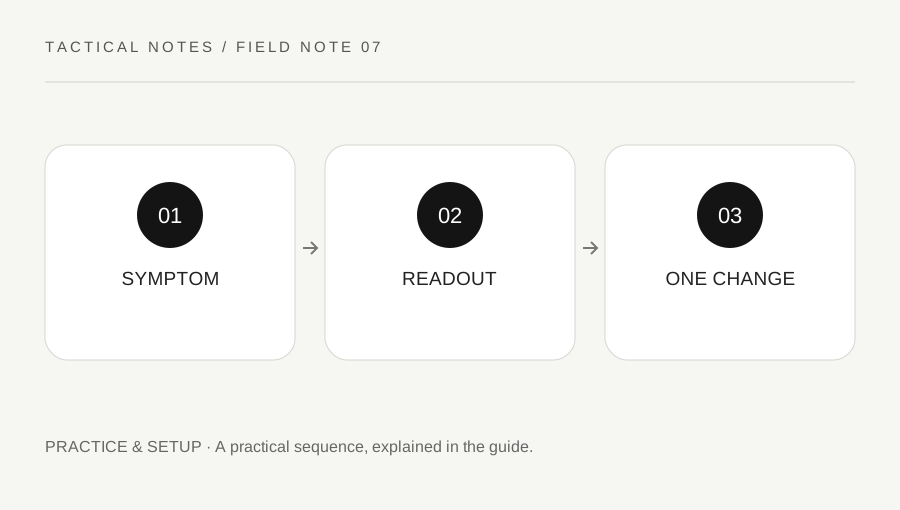
Original explanatory diagram. Examples illustrate a method or decision; they are not claims of personal testing.
Write what the problem looks like
Describe a visible freeze, consistently low frame rate, delayed update, abrupt remote movement or disconnect. Include the map, mode, platform and approximate time. The single word lag can hide different causes that require different checks.
Frame timing and network delivery describe different parts of the experience. A smooth image does not prove every network update arrived normally, while a good connection reading does not prove the device rendered every frame smoothly. Keep those categories separate in the note.
CS2 provides supported telemetry options, and Valve has changed how some readings are displayed or interpreted over time. Use the current interface and official notes rather than an old command list copied from another version. This guide does not provide an automatic diagnosis or access your device.
Collect a stable comparison
Choose a repeatable low-pressure scene or supported practice task. Observe the symptom and available readings together. A peak FPS number alone does not describe a recurring stutter. Record what happened at the same time as the readout rather than recalling two unrelated moments later.
Keep background load and relevant game settings stable where practical. If you change resolution, device drivers, network conditions and rendering options together, an improvement will be difficult to explain. Preserve the baseline and change only the factor you are actually testing.
For a worked example, a player sees a frame-time spike in a consistent practice scene while the connection evidence remains stable. They investigate the local rendering context first. Another player with smooth rendering and clear delivery problems follows the connection direction instead. The pattern suggests a next step, not a complete diagnosis.
Avoid unrelated fixes
Sensitivity changes do not repair network delivery, and reinstalling every time a service is disrupted can waste effort without addressing the cause. Use official support and device guidance appropriate to the evidence.
Do not run an unknown optimizer, disable protections blindly or give a stranger remote account access. A technical step should have a clear purpose and a recovery path. Review logs and screenshots before sharing them so credentials and unrelated personal information are not exposed.
If the symptom appears only after a specific update or in a particular environment, keep that context. It can make a support report useful. Do not claim that a single clean round proves a permanent fix, because load, opponents, maps and network conditions can vary.
Escalate with a concise record
Prepare platform, version, symptom, relevant readout and steps tried. State which change affected the result and which did not. A small clear report is easier to assess than a long list of unrelated fixes applied without a baseline.
Restore experimental settings that did not help and retain only changes you understand. Keep normal play separate from diagnostic testing so a difficult match is not interpreted as a benchmark of the device.
Finish with the evidence category and next check. This keeps performance troubleshooting from becoming a sequence of guesses that changes the whole setup after every loss. The aim is narrowing the problem while preserving a usable configuration, using supported readings and official guidance rather than treating one counter or one popular online fix as a universal answer.
A practical checklist
Choices are saved in this browser. Reset them here or clear this site’s browser storage.
Questions that come up
Does high FPS prove the network is fine?
No. Rendering and network delivery are different parts of the experience. Compare the relevant readings separately.
Should every stutter trigger a sensitivity change?
No. Identify the technical symptom first. An input preference does not repair every performance cause.
Does the website test my hardware?
No. It provides a framework for collecting evidence and using supported guidance.
References & scope
Background references checked on 18 October 2026. Worked examples and diagrams are original teaching material.